A large gemstone inventory built over years — but imaged at resolutions and framing standards that no longer meet current e-commerce expectations. We built an automated batch tool that upgrades every image: sharper, higher resolution, consistently composed. No re-shooting required.
The retailer's legacy gemstone images were captured at 750–1080p with inconsistent framing — stones appearing at varying sizes within the frame, large empty backgrounds, and resolution that fell short of current display standards. Re-shooting hundreds of stones was not practical. The images needed upgrading without returning a single stone to the photography studio.
A batch processing tool that automates the upgrade end-to-end. It runs AI super-resolution to upscale each image 4x, applies AI gemstone segmentation to detect the stone boundary precisely, then reframes the image so the gemstone occupies a defined, consistent proportion of the output frame. The operator configures the settings once — every image in the batch is processed from there without manual intervention.
- AI 4x super-resolution — upscaling that preserves edge detail without artifacts
- AI gemstone detection and boundary extraction for precise, consistent reframing
- Automatic reframing to a configurable stone-to-frame ratio, applied uniformly across the catalog
- Batch CLI with INI configuration file — no per-image labor
- Optional sharpening pass
- CUDA GPU acceleration for fast batch throughput
AI-based upscaling preserves what is already there. The goal is not to invent detail — it is to restore what compression and low resolution obscured.
Each pair shows the same gemstone image before and after processing — higher resolution, consistently framed, stone occupying a defined portion of the output.
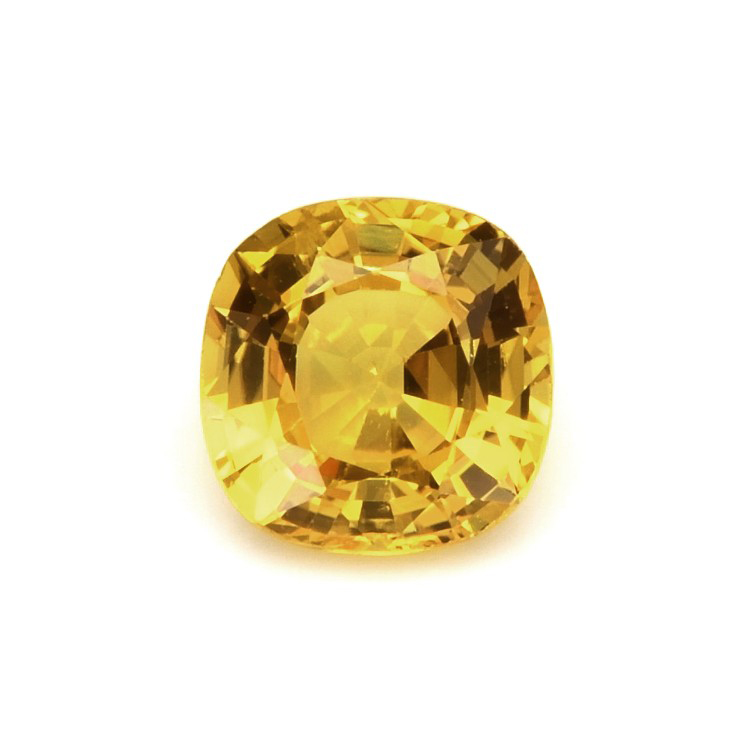 Before
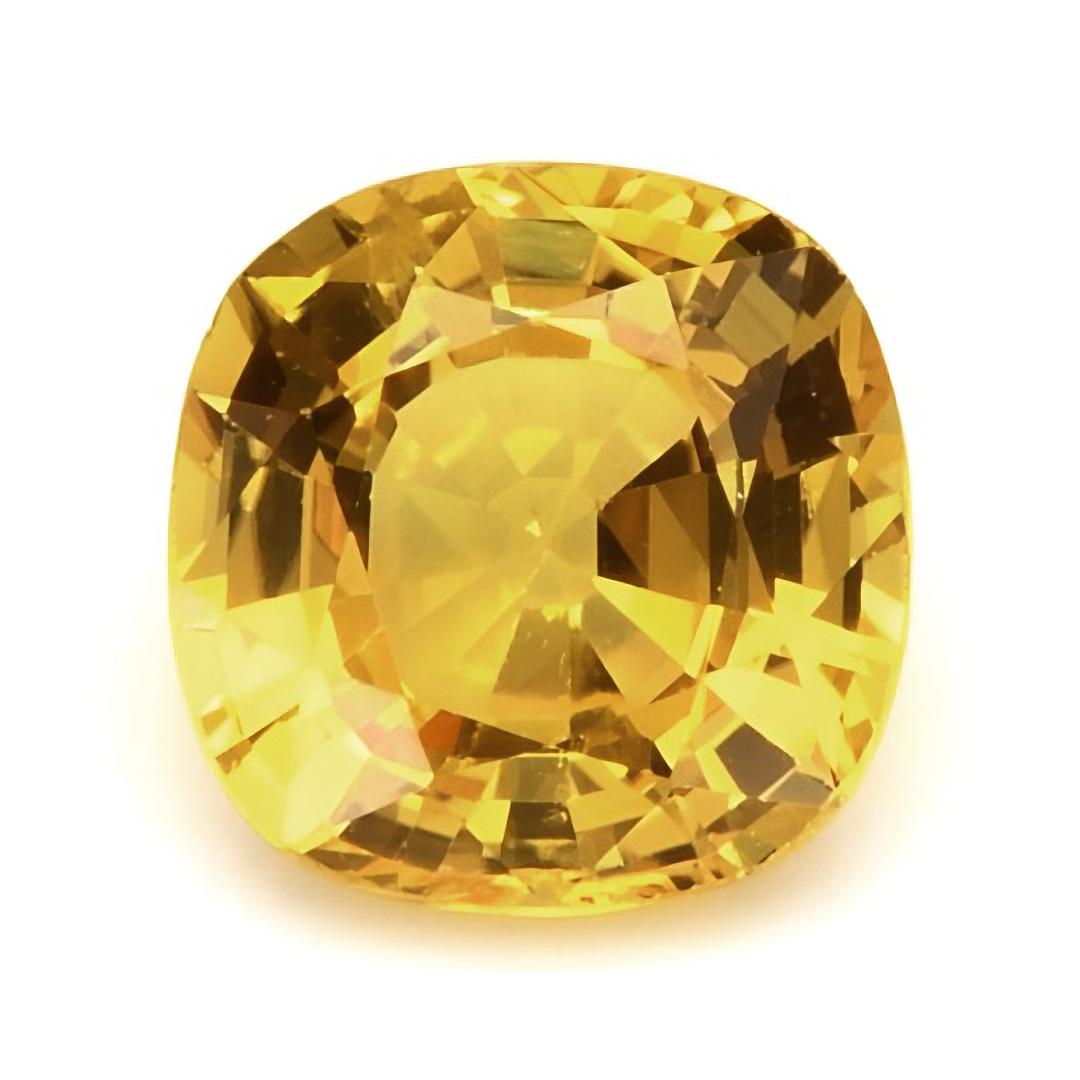 After
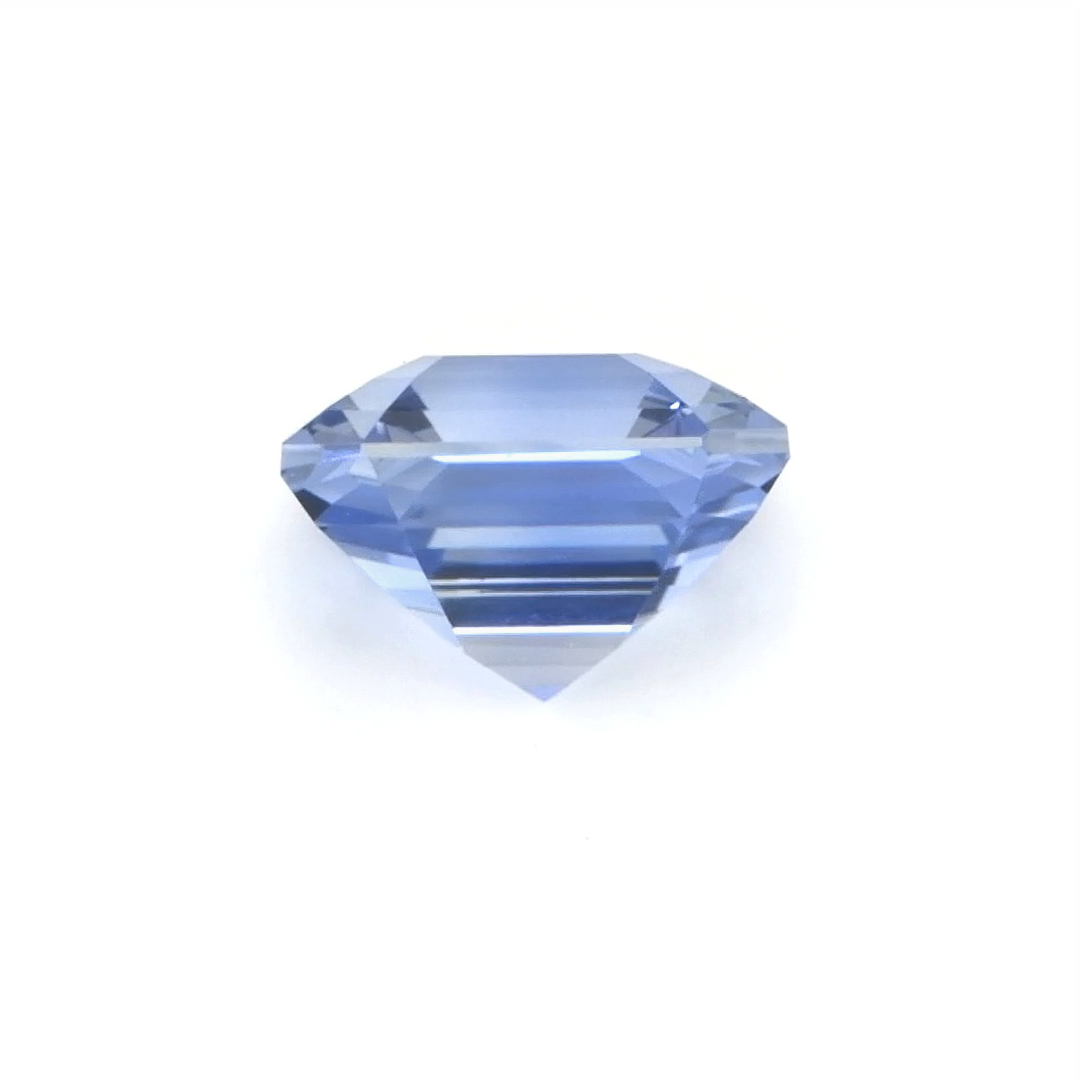 Before
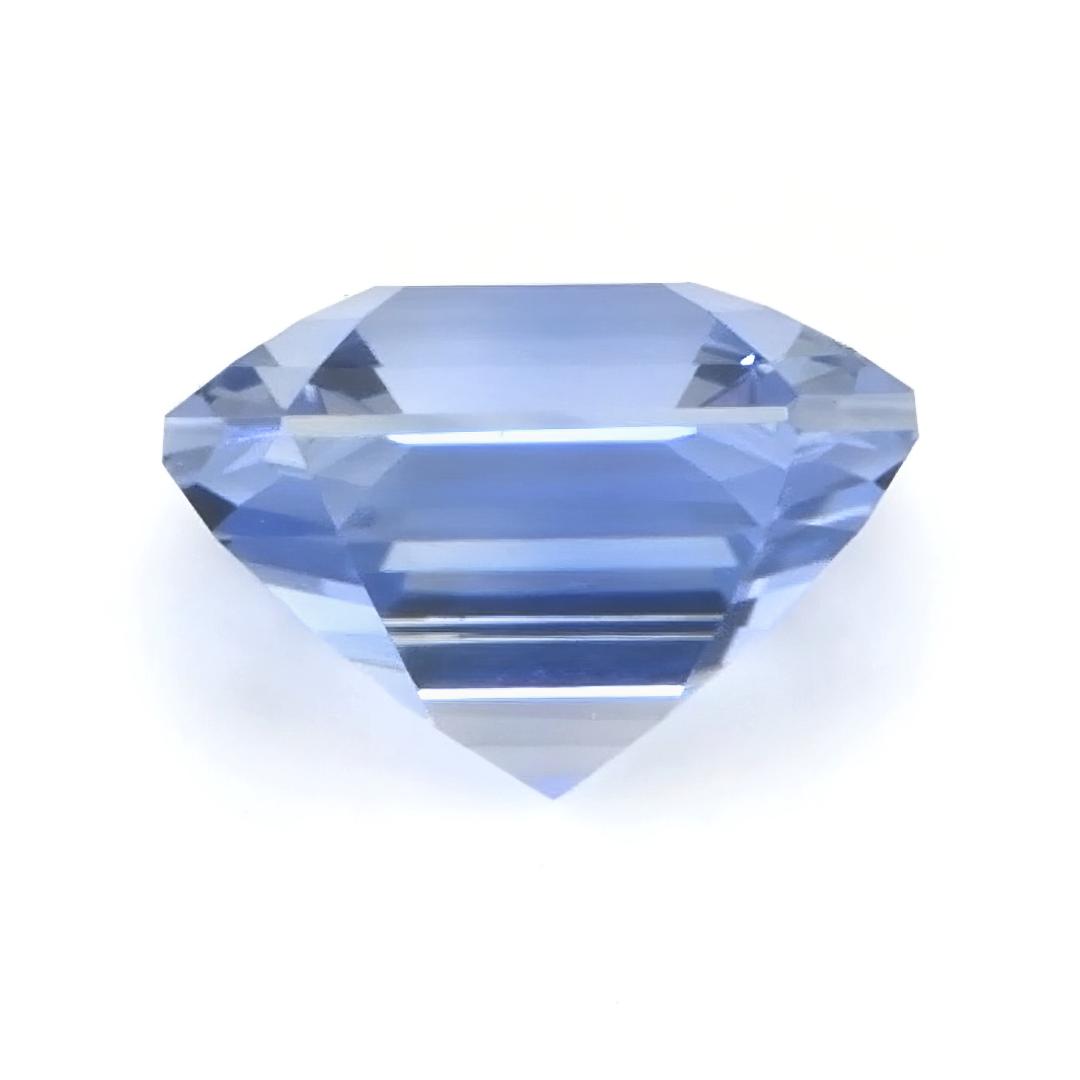 After
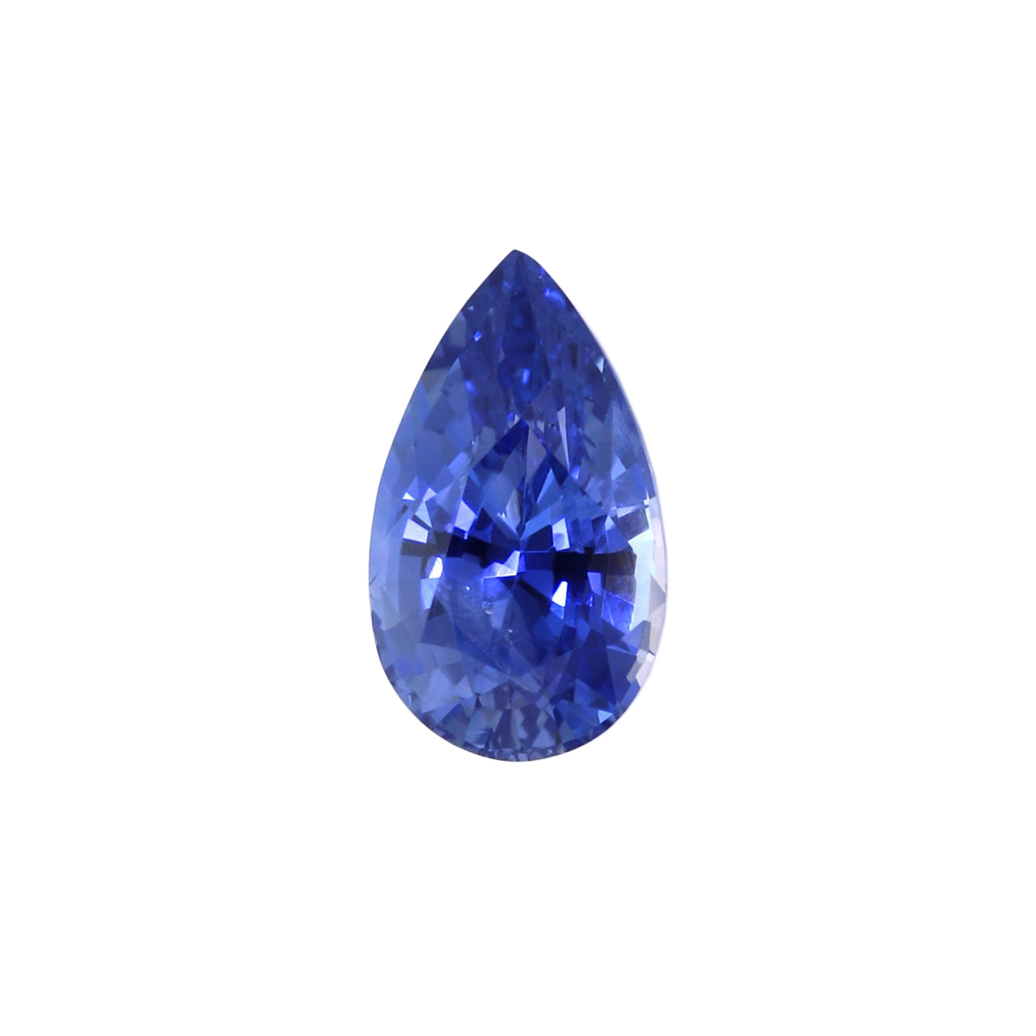 Before
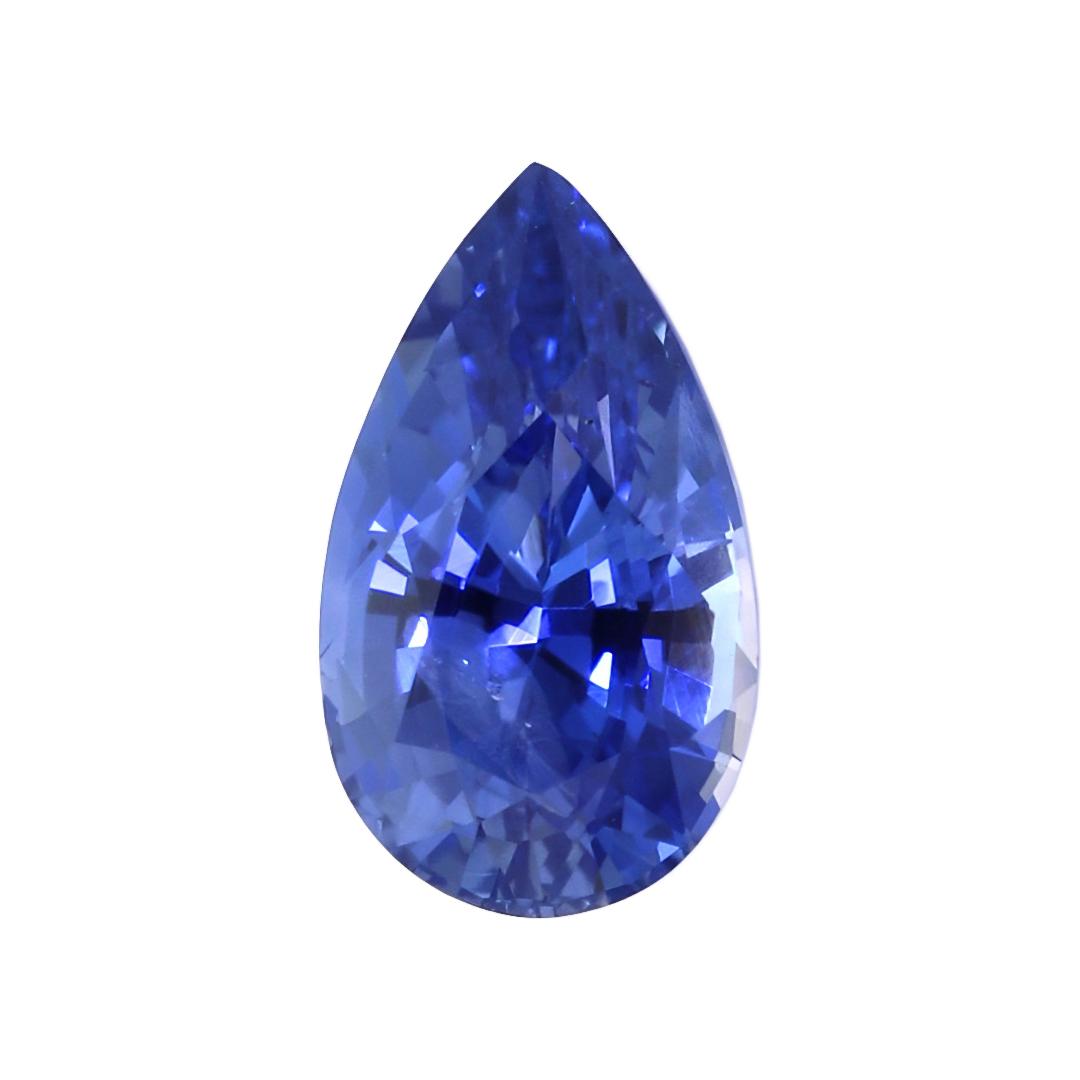 After
Hundreds of legacy inventory images upgraded to current e-commerce presentation standards — without re-shooting a single stone. Every image now meets the same resolution and framing specification, restoring visual consistency across the full catalog.
Can old gemstone photos be upgraded without re-shooting?
Yes. The tool upscales each image 4x with AI super-resolution, detects the stone's boundary, and reframes the image so the stone fills a consistent share of the frame. Hundreds of legacy images were upgraded without returning a stone to the studio.
Does AI upscaling invent detail?
It is designed not to. The goal is to restore what compression and low resolution obscured, preserving edge detail without artifacts.
How much manual work does a batch need?
The operator sets the configuration once. Every image in the batch is then processed automatically, with GPU acceleration for fast throughput.