A visual content management platform needed to move beyond basic WebGL previews. We built an automated rendering pipeline using an open-source ray tracing engine — integrated directly into their existing web application — so their customers can produce photorealistic product visuals without any 3D expertise.



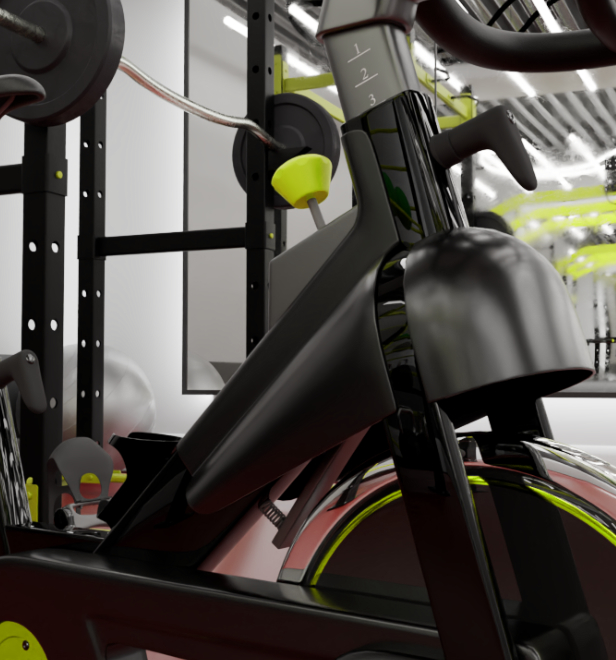
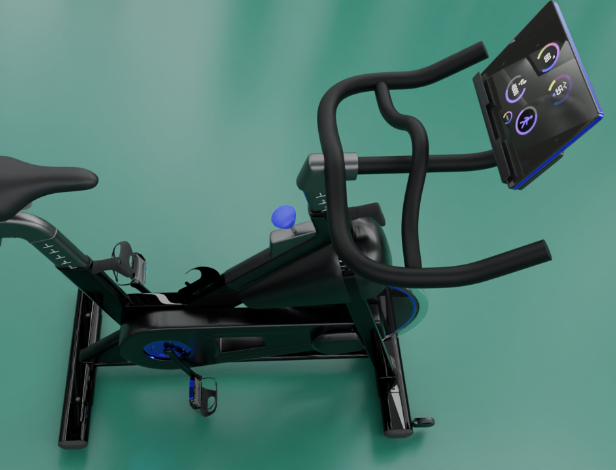
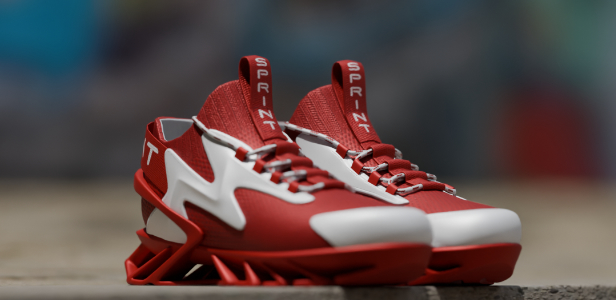
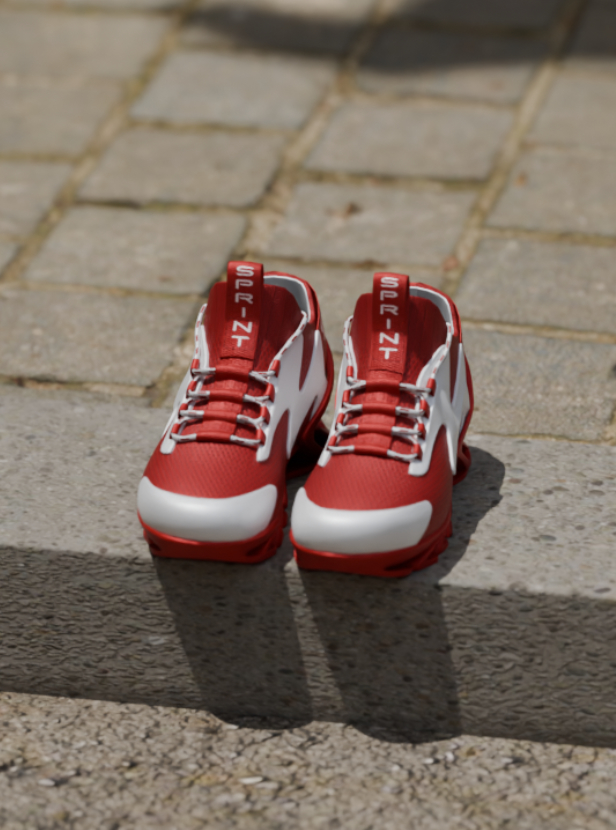
The platform offered a cloud-based 3D model management service with an embeddable web viewer. Their existing rendering used client-side WebGL, producing basic visualizations with a simple floor plane. Their e-commerce customers needed photorealistic, ray-traced renders of their 3D product models — stills, 360-degree spinners, and videos — served from a scalable backend.
An automated rendering pipeline built on an open-source ray tracing renderer. The system sits behind the platform's existing WebGL-based web application: users set up their scene, cameras, and lighting in the browser, and the backend translates those parameters into full ray-traced renders.
The pipeline supports two modes — a fast preview for quick iteration and a full-quality mode for final output. It renders photorealistic stills, 360-degree spinners, and videos with configurable camera motion paths (pan, zoom, dolly, etc.). Users can place products in predefined lifestyle scenes with HDRI lighting, or render against custom backgrounds.
A full post-processing compositor handles color balance, depth of field, sharpening, lens distortion, vignetting, and film grain — with zero overhead when unused. The system accepts GLB and FBX inputs, includes a scene conversion pipeline, and is deployed via Docker with both CPU and GPU rendering support.
- Photorealistic ray-traced rendering from GLB and FBX inputs
- 360-degree spinners (24–72 frames) and video output with camera motion paths
- Fast preview mode and full-quality rendering mode
- Predefined lifestyle scenes with HDRI lighting
- Post-processing compositor (depth of field, color balance, grain, vignetting)
- Docker deployment supporting both CPU and GPU rendering
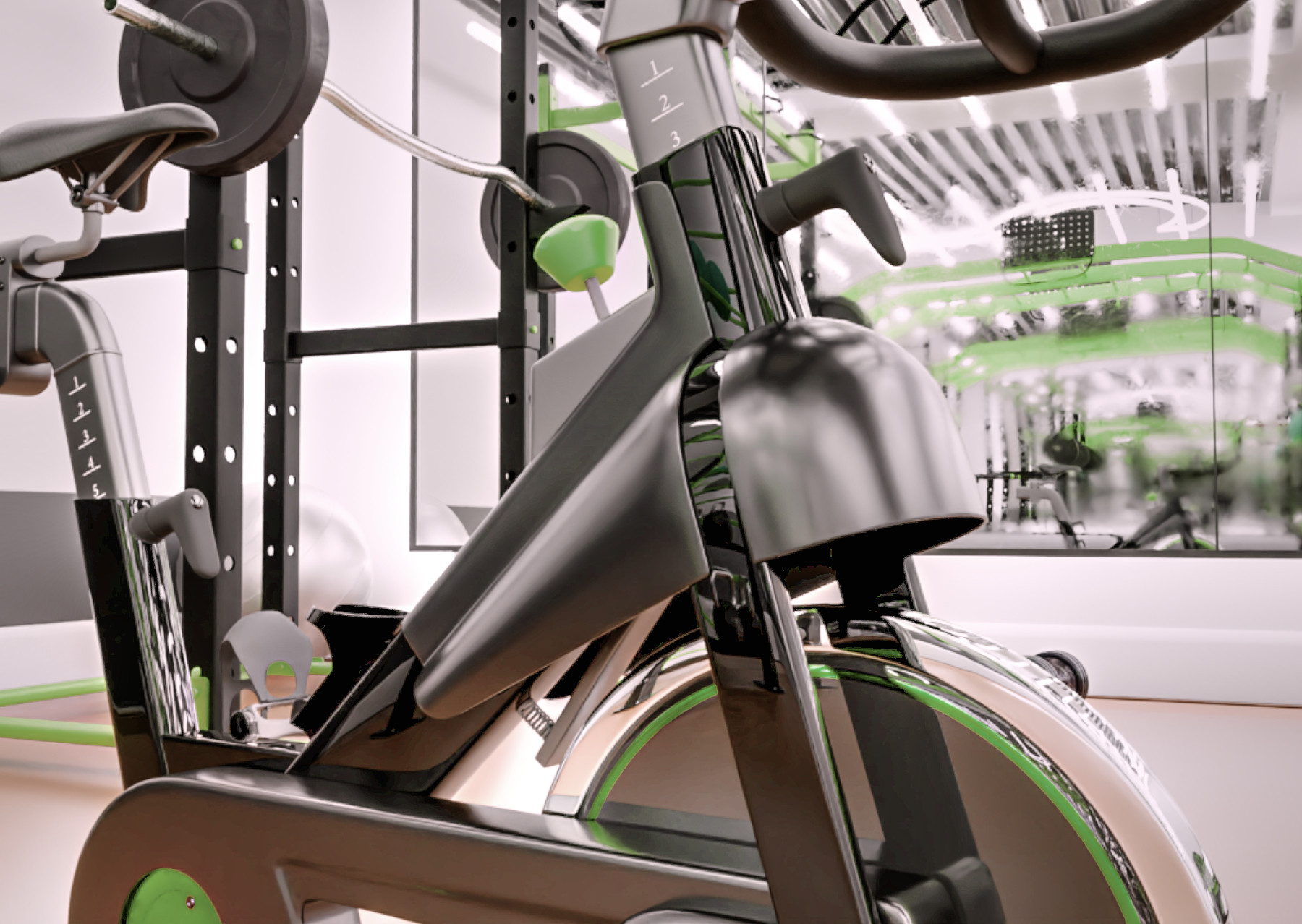

The platform now offers its customers photorealistic product renders — stills, spinners, and videos — directly from the web interface, without requiring any local rendering hardware or 3D expertise. Products can be placed in realistic lifestyle scenes and rendered at production quality in minutes.
How do you add photorealistic rendering to a SaaS product?
By putting a ray-traced rendering backend behind the existing web application. Users set the scene, cameras and lighting in the browser, and the backend produces the final renders.
What can the backend output?
Stills, 360° spinners of 24–72 frames, and videos with camera motion paths, in a fast preview mode or full quality, from GLB and FBX models, with lifestyle scenes and post-processing.
How is it deployed?
In Docker, with both CPU and GPU rendering support. The platform's customers need no local rendering hardware or 3D expertise.